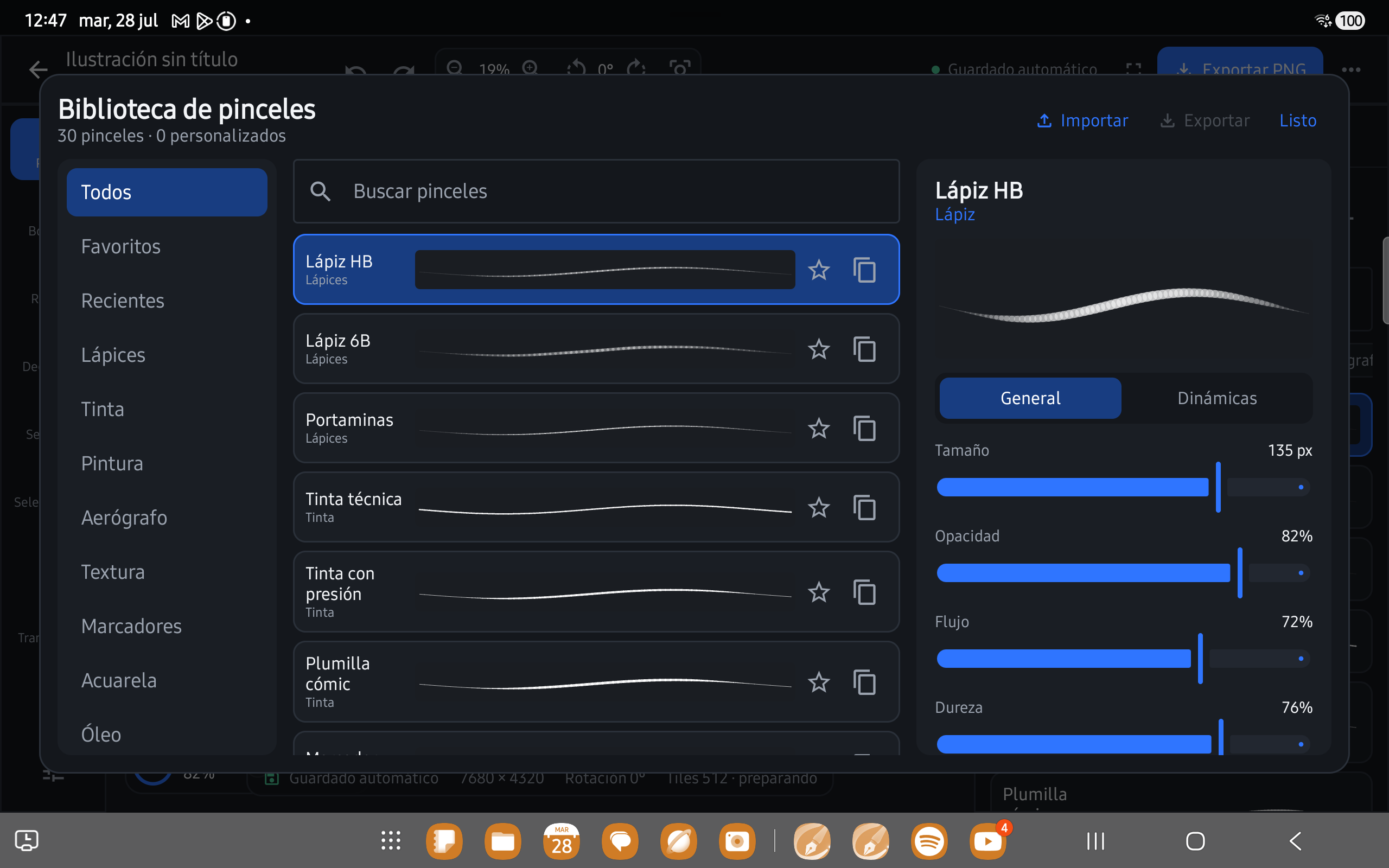
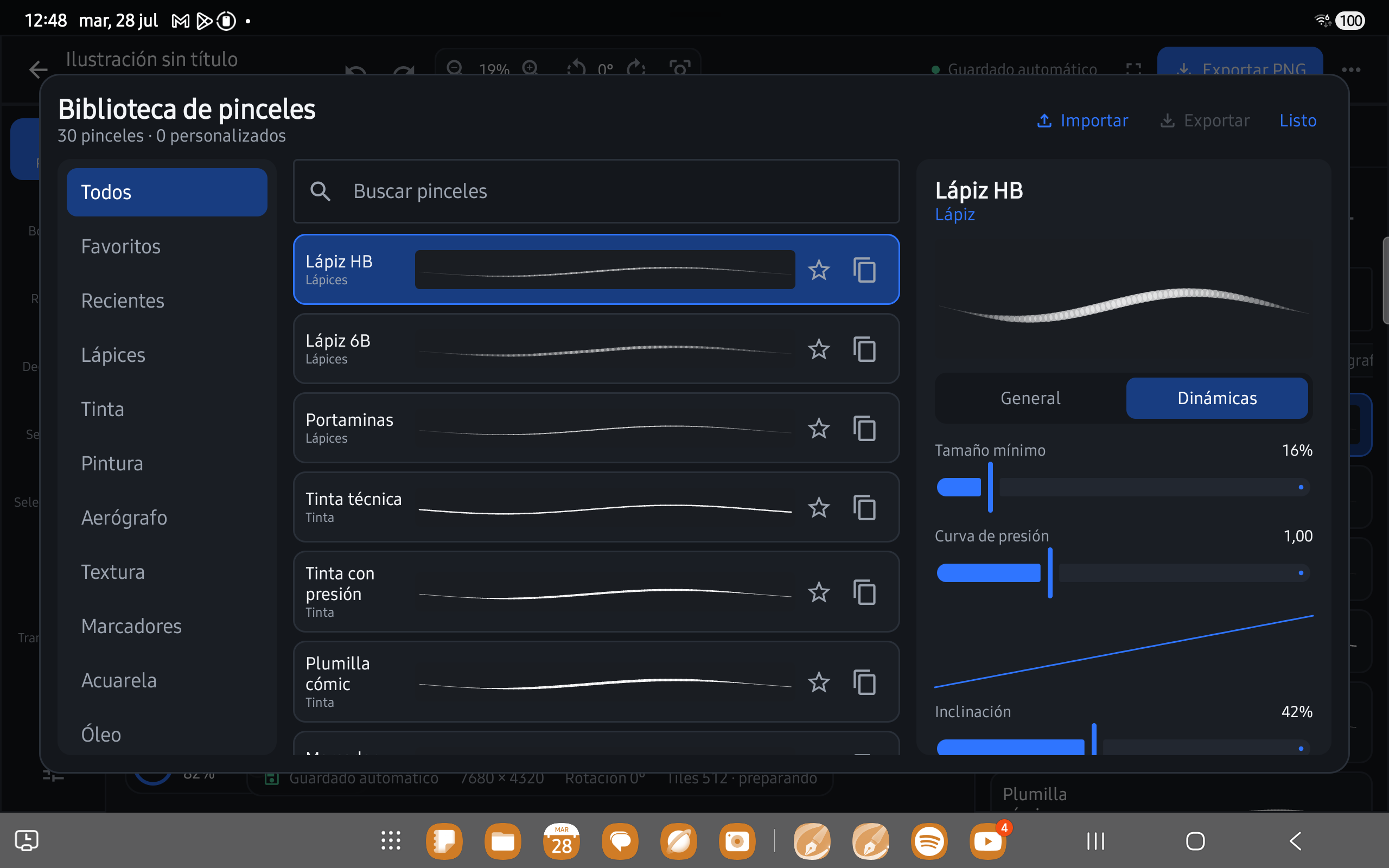
Brush Studio 4.0 combines pressure curves, speed, tilt, Dual Brush, and wet-media controls.
Summary
A serious canvas designed for touch.
An interactive academy guides seven stages of brush creation and tuning.
Local gallery, incremental autosave, document format v7, and PNG, flattened PSD, or OpenRaster export.
Product in use
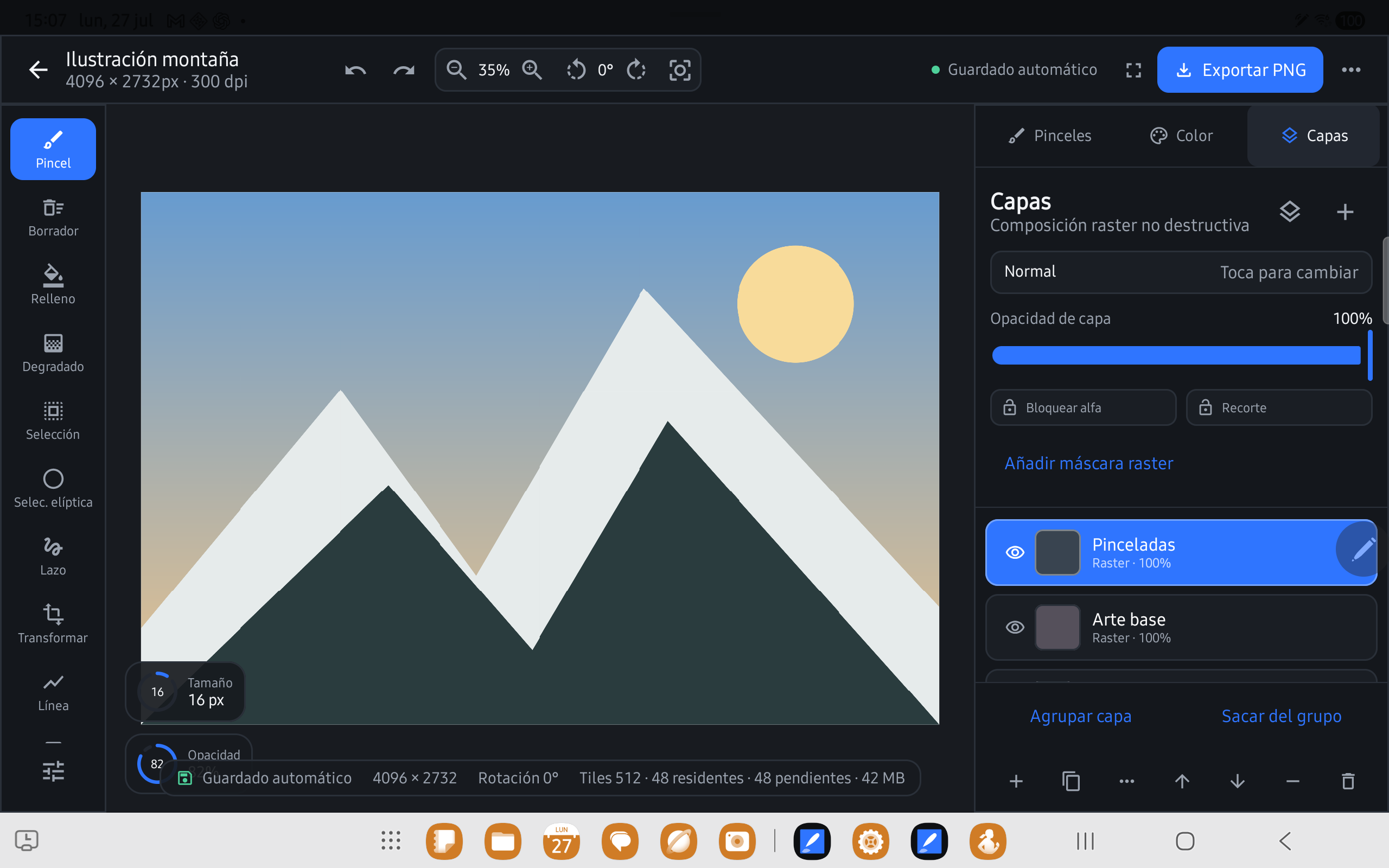
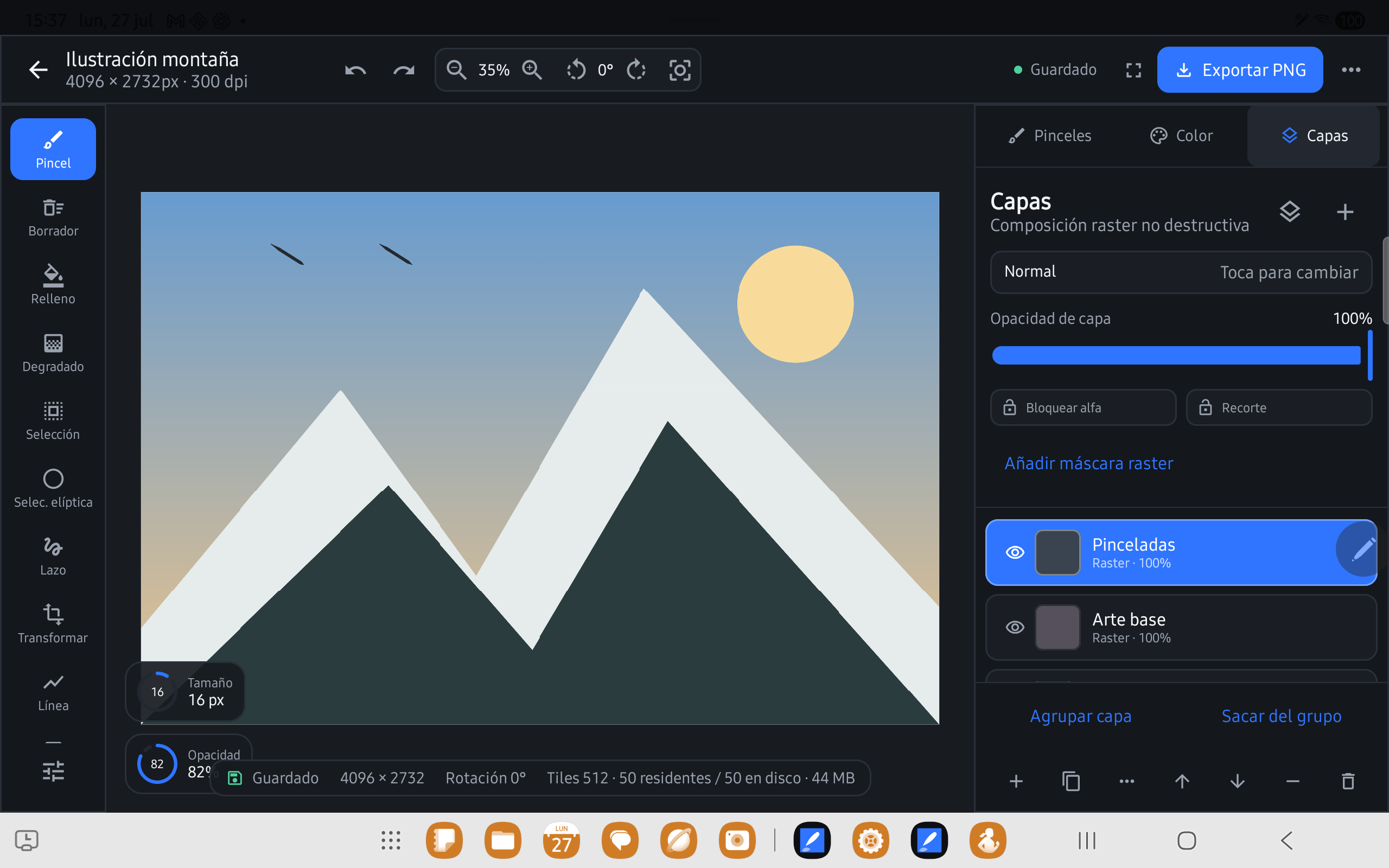
A tablet interface organized around the canvas.
Problem
Mobile drawing apps often choose between power and comfort.
Large canvases, stylus input, and layers demand memory and precision, while the interface must stay fast and legible on a tablet.
Solution
Build the engine and experience around local documents.
Canvas Studio combines Jetpack Compose with a custom DrawingView and a sparse 512×512 tiled raster surface, using LRU caching and lazy loading.
Product decisions
Canvas performance is also a design decision.
Core principle
The canvas cannot freeze because saving is happening.
Incremental saving and recovery keep work available while the engine renders and preloads tiles.
Engine
Tiled raster
Only the required regions are loaded and rendered for documents up to 64 million pixels.
Input
Stylus as a first-class input
Pressure, tilt, flow, spacing, taper, and stabilization shape every stroke.
Privacy
Local by default
No account, backend, analytics, or sync: projects stay on the device.
Format
Open documents
The versioned local format and OpenRaster export make work easier to preserve and move.
Learning
Tablet-first does not mean shrinking a desktop experience.
The opportunity is adapting hierarchy, gestures, and control density without sacrificing composition or precision.
Current state
Release certificada 2.5.0, phase 9.1.
Brush Studio 4.0, an interactive tutorial, document format v7, portrait/landscape layouts, and read compatibility with v2–v6 projects, exclusively for tablets at least 600dp wide.