
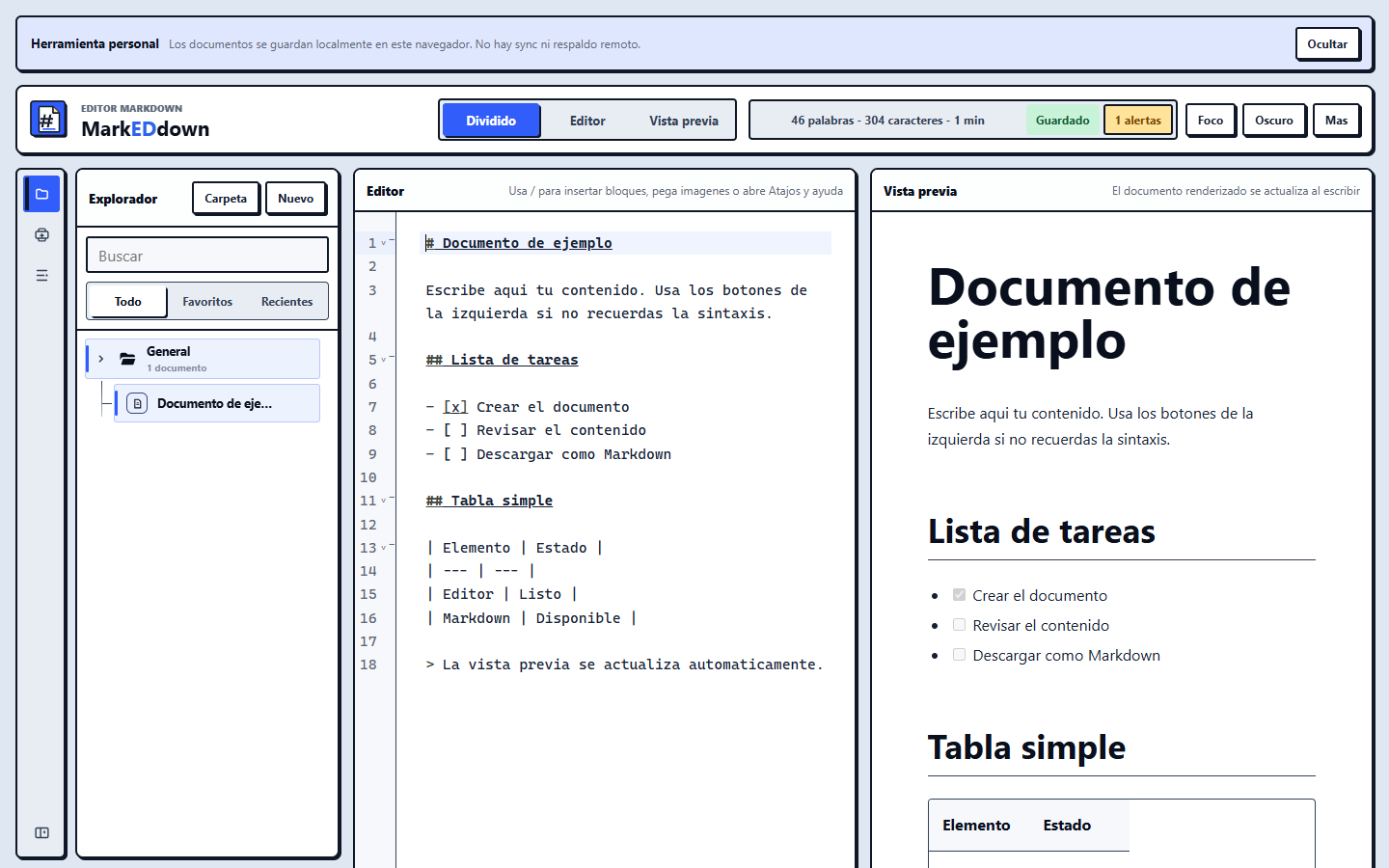
The interface keeps the document central and moves noise out of the way.
Summary
Write first. Organize and publish when needed.
Live preview shows how the finished content will look while you write.
Versions, favorites, archive, trash, assets, and preferences stay inside the browser.
Product in use
Writing, structure, and final result in one view.
Problem
Writing tools often force a choice between simplicity and control.
A basic editor becomes limiting as a document grows; a complex one interrupts thought. Many alternatives also require an account before the first sentence can be written.
Solution
A writing surface that reveals tools progressively.
Writing stays at the center. Structure, versions, resources, and actions appear when useful, without turning the screen into an administration panel.
Product decisions
Depth available without permanent noise.
Core principle
The document always occupies the center
The product is organized around writing. Advanced functions remain close, but none demand attention until the user chooses to use them.
Review
See the result immediately
The split view catches structural issues before content is shared or exported.
Continuity
Local history and organization
Versions, folders, trash, and images support work without depending on a connection.
Output
From rough draft to a useful file
Content can be copied, downloaded, or exported with its resources when ready.
Learning
Power feels better when it does not need to announce itself.
The main decision was to avoid a screen filled with permanent controls. Shortcuts, commands, and panels enable deeper work while the default state stays calm and understandable.
Current state
A complete flow from template to presentation.
The product now includes templates, find and replace, restorable history, favorites, archive, trash, per-section notes, presentation mode, and standalone HTML export.